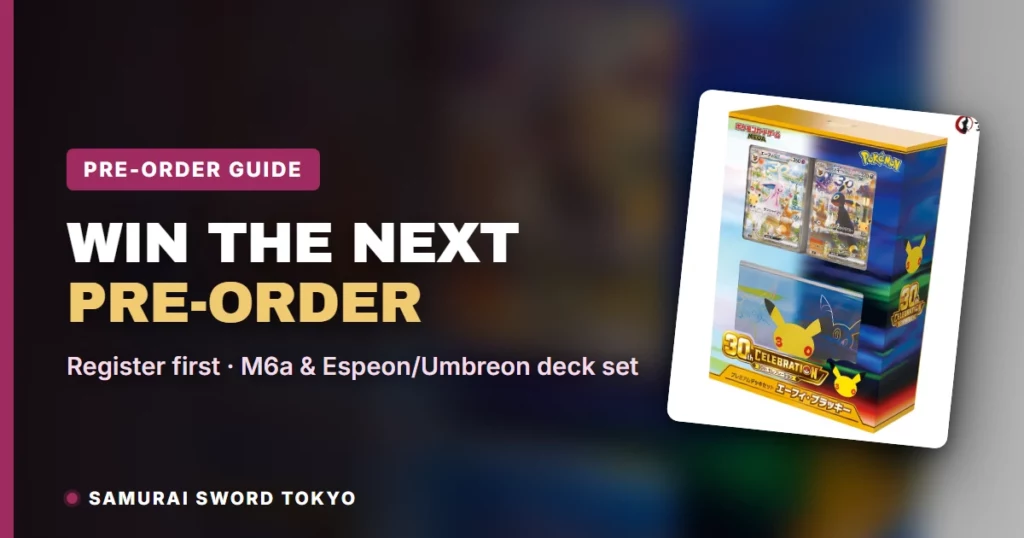
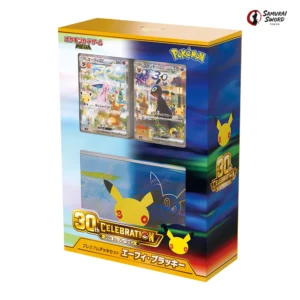
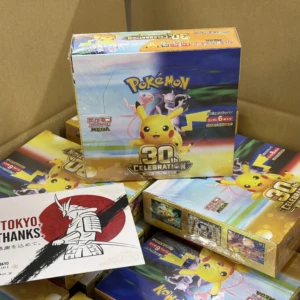
When pre-orders for our M6a 30th CELEBRATION Japanese Pokemon Booster Box opened in late August 2026, allocations were gone within minutes, and when the 30th CELEBRATION Premium Deck Set Espeon & Umbreon pre-order opened, it was gone about seven minutes later. Behind those minutes is a pattern we saw again and again in the order data: the buyers who got their boxes were almost all signed-in members with their address and payment ready before the countdown hit zero.
This guide explains what those drops looked like from our side, why a registered account is the single biggest advantage you can give yourself, what a Samurai Sword Tokyo account includes, and how to set up PayPal or Wise so that you can pay within the pre-order deadline. If you only read one section, read the drop-day checklist near the end.
Pre-orders on samuraiswordtokyo.com can only be placed from a signed-in account. Registration is free and takes about a minute at My Account. Payment for a pre-order must be completed within 3 hours of placing the order, so your PayPal login or Wise balance needs to be ready before the drop, not after. Members also collect points on every order, keep their coupons inside the account, and can subscribe to restock and pre-order alerts from any product page.
- M6a 30th CELEBRATION released worldwide on September 16, 2026 as scheduled; the Premium Deck Set Espeon & Umbreon and the FUTURISTIC BOX released the same day in Japan, which released the same day in Japan (the official card list was published September 9, 2026).
- The M6a Booster Box, the Premium Deck Set and the FUTURISTIC BOX are all currently listed as pre-orders on our site.
- The Card Set bundle remains sold out at the time of this update, with restock requests going through Quick Order.
- The account-first registration advice below is unaffected by release day — it applies to every future drop.
- Full card list: every card of the set with its official image, in number order — 30th CELEBRATION (M6a) card list (all 173 cards).
What the M6a and Deck Set Drops Looked Like
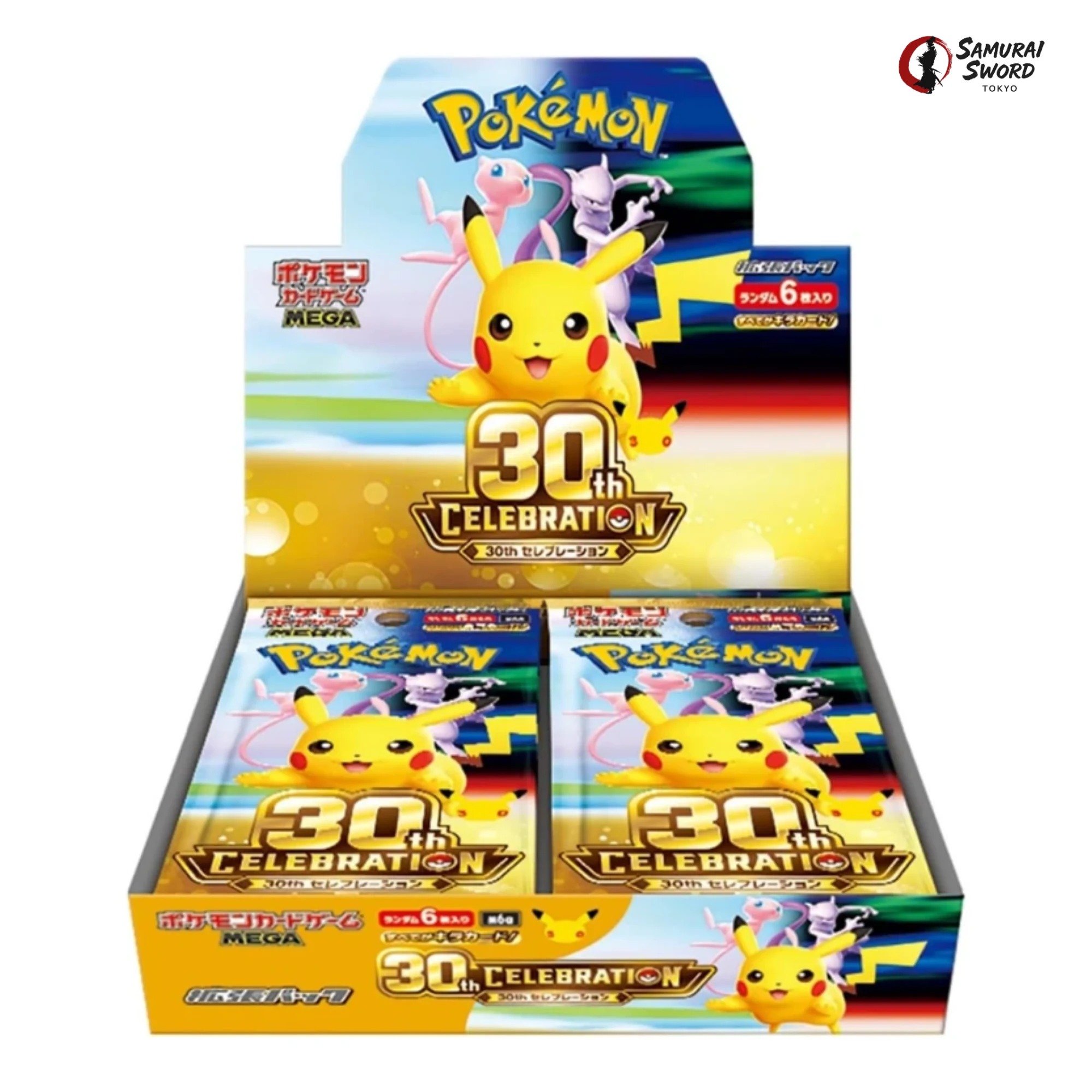
Our traffic has grown past one million visits a month, and a large share of it arrives in the minutes around a pre-order opening. When the first M6a 30th CELEBRATION allocation opened on August 28, 2026, the sealed version moved 248 boxes in the first hour. When the second allocation opened three days later, both the sealed and No Shrink versions were sold out in 12 minutes, and the 100-box sealed allocation received close to 300 orders in the first two to three minutes, roughly three times the units available.
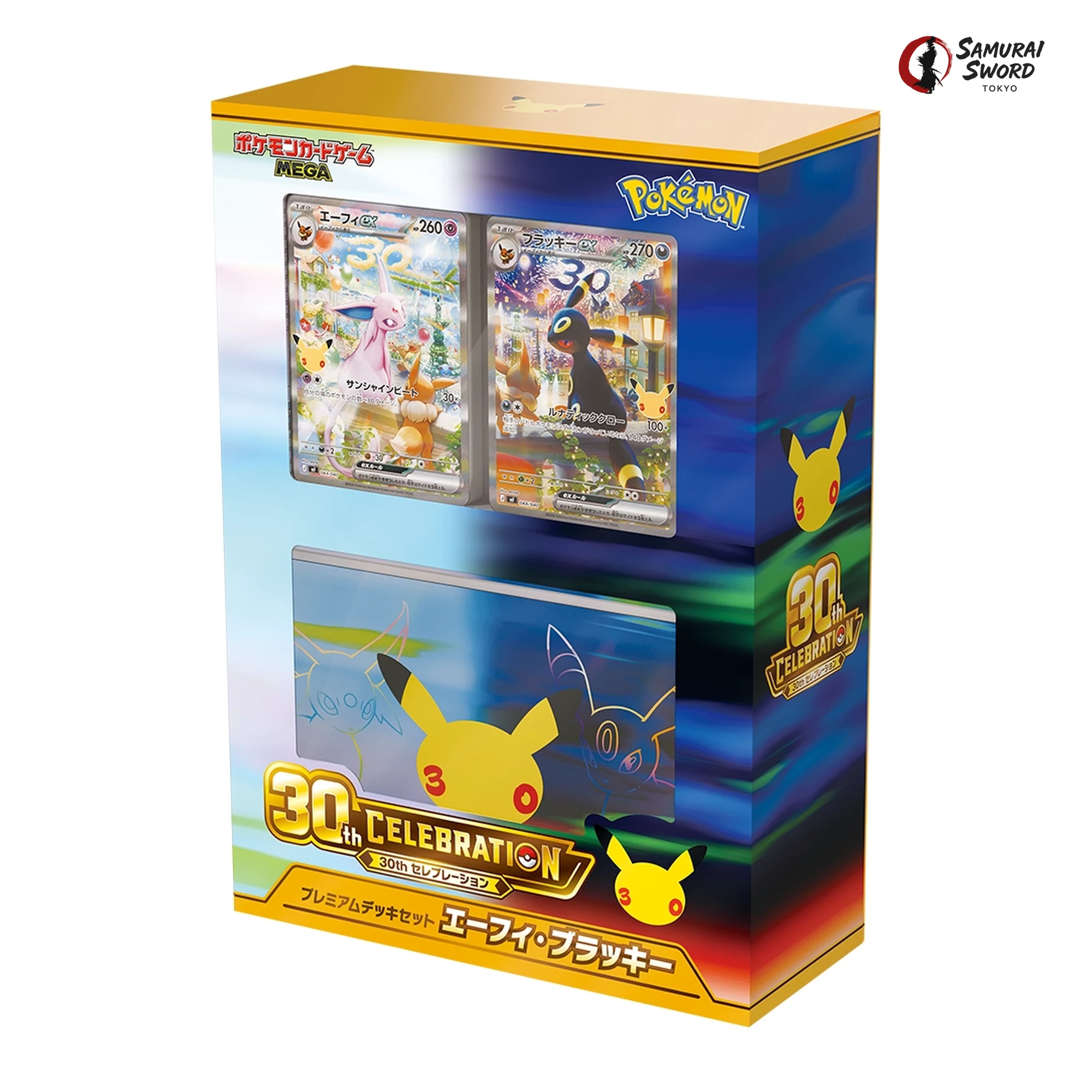
The deck set was faster again. In the first 60 seconds after it opened we received 26 orders for 85 sets, and the allocation was gone in about seven minutes. By our count, more than 3,000 collectors are now competing for every 100 pre-order units we release. The math is blunt: most people who want a box will not get one on the first attempt unless they remove every second of friction from their checkout.
Where did the successful orders come from? Overwhelmingly from accounts that were already logged in, already had a saved shipping address, and paid with a method that completes in seconds. Guests who reached the cart and then had to create an account were, in most cases, too late.
Why Signed-In Members Win Pre-Orders
There are three reasons, and the first one is not a marketing line. It is how our checkout works.
1. Pre-orders can only be placed from a signed-in account
Every pre-order item on our site requires the pre-order agreement, and that agreement is tied to your account. If you reach the checkout as a guest with a pre-order item in the cart, the payment section is replaced by a sign-in prompt. Your cart is kept, but the clock is not paused. While you type an email address, choose a password, and enter your shipping details, other members are already paying. On an allocation that receives orders from thousands of buyers in its first minutes, that delay is the difference between a confirmed order and a sold-out page.
2. Your address and details are already filled in
A registered account saves your name, shipping address, and phone number. Our checkout accepts Latin letters only, so saving the details once, correctly, means you never retype them under pressure. At checkout you confirm the saved address, accept the pre-order terms, choose your payment method, and place the order. For a member with a saved address, the whole path from product page to payment can take well under a minute.
3. Payment is the last hurdle, and members clear it faster
A pre-order is only secured once payment is completed. Unpaid pre-orders are cancelled automatically 3 hours after the order is placed, and the units are released to other customers. Members who already have PayPal ready or a funded Wise account finish in one or two screens. The payment section below walks through both methods.
What a Samurai Sword Tokyo Account Includes
An account is free and has no minimum spend. Here is what it includes.
- Pre-order access. The first requirement for every drop, as explained above.
- Welcome points. New accounts receive 500 points at registration. One point is worth ¥1 at checkout.
- Points on every order. Every item earns its own base points rate (0.1% to 0.5%), multiplied by your rank, and points arrive once your payment is confirmed. Points can cover up to 20% of an order and are valid for 30 days, with reminder emails before they expire.
- Member ranks. Eight ranks, calculated from your purchases over the most recent three months or from three lifetime orders. Higher ranks multiply points more, up to ×4 at Platinum and above.
- Coupons stored in your account. Coupons are issued to your account and can only be viewed and applied when you are logged in. Note that coupons cannot be applied to pre-order items.
- Restock and pre-order alerts. Subscribe from any product page or Quick Order row to be emailed when a product is back in stock, drops in price, or a new pre-order allocation opens.
- Order history in one place. Your orders, their status, and the shipping schedule of each pre-order stay under My Account.
- Review rewards. An approved product review earns 10 points, with an extra 10 points for photos or video.
Set Up Your Payment Before the Countdown Ends
We accept PayPal and Wise bank transfer. Both work for pre-orders, but they behave very differently under a 3-hour deadline.
PayPal: log in before the drop
- Open PayPal in another tab and log in before the countdown ends, so that the checkout only has to hand you over, not sign you in.
- Check that the card or bank account linked to PayPal is active and has room for the full order. A declined funding source is one of the most common reasons a pre-order payment fails at the last step.
- If your PayPal account uses two-factor authentication, keep your phone next to you. A verification code that arrives two minutes late can cost you the allocation.
- PayPal payments confirm immediately, so a successful PayPal checkout secures the pre-order on the spot.
Wise: open and fund the account in advance
- If you plan to pay by bank transfer, create your Wise account and complete identity verification days before the drop, not on the day. Verification can take time, and an unverified account cannot send.
- Move money into your Wise balance ahead of time. Sending from a funded balance is far faster than funding the transfer from a card or bank at the moment you pay, and it avoids a pending transfer that misses the deadline.
- After placing the order, send the transfer immediately and follow the transfer instructions shown after checkout exactly, including the reference.
- A bank transfer is confirmed when the money arrives, and the order is secured only at that point. If timing is tight, PayPal is the safer choice for a pre-order.
Pre-order payment must be completed within 3 hours of placing the order. Unpaid pre-orders are cancelled automatically and the units go back to other buyers. Coupons cannot be applied to pre-order items, and the price shown at the time of order is final. The full terms are shown at checkout and in our Return and Refund Policy.
Drop-Day Checklist
- Register at least a day early. Create your account at My Account before the drop, not while the countdown is at zero.
- Save your shipping address. Under My Account, add your name, address, and phone number in Latin letters and double-check the country and postcode.
- Choose PayPal or Wise and prepare it. Log in to PayPal or fund your Wise balance, following the steps above.
- Subscribe to alerts on the product page. You will be emailed when a pre-order allocation opens, a product comes back in stock, or its price drops.
- Fifteen minutes before opening: log in, open the product page, and open PayPal or Wise in a second tab.
- When the countdown ends: refresh once, choose your quantity, accept the pre-order agreement when prompted, add to cart, and go straight to checkout.
- Pay immediately. An order is only secured once payment is complete. Do not leave a pre-order sitting unpaid.
How to Register in One Minute
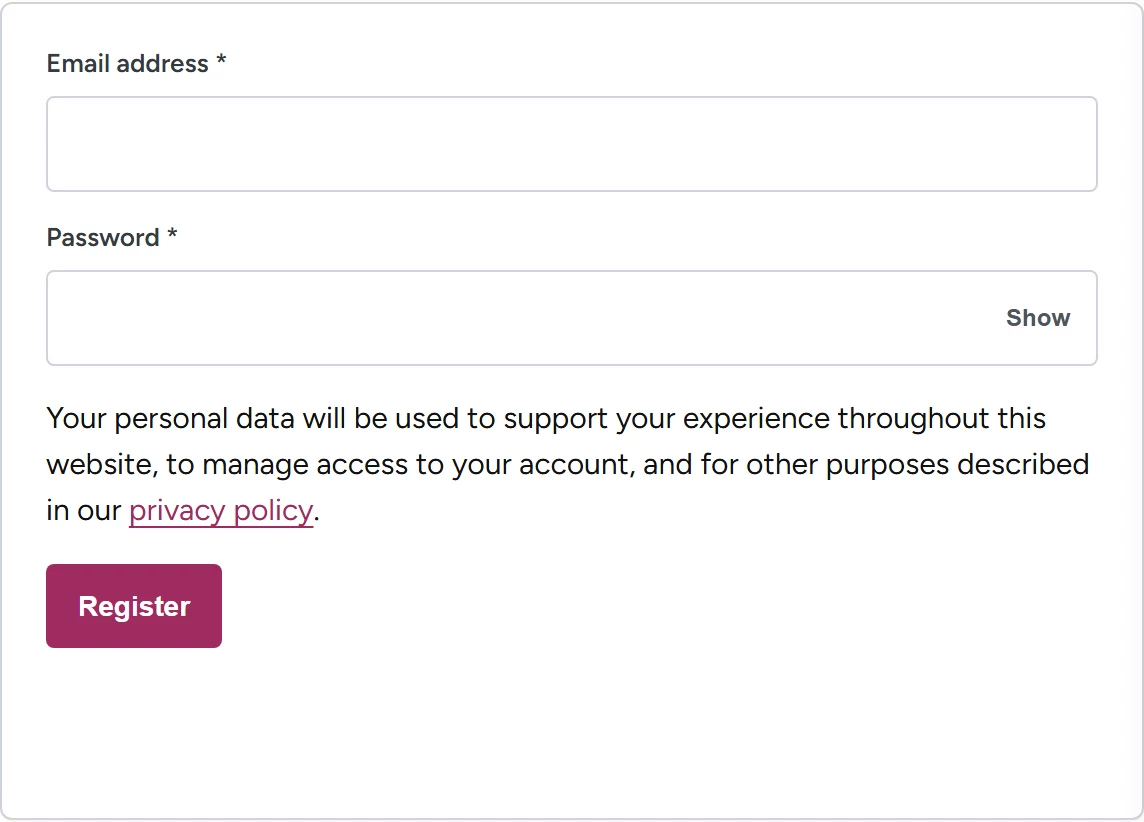
- Open samuraiswordtokyo.com/my-account and use the Register form.
- Enter your email address and choose a password, then submit.
- In My Account, open Addresses and save your shipping address in Latin letters.
- Open the product page of the item you want and subscribe to alerts so you do not miss the next opening.
That is the entire process. There is no membership fee, no minimum order, and nothing else to configure before your first pre-order.
Register now at My Account so you are ready before the next countdown starts.
Where the Next Pre-Orders Open
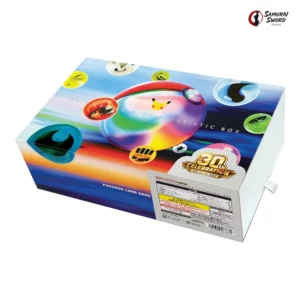
We currently sell all three 30th CELEBRATION products as pre-orders from Tokyo. The M6a 30th CELEBRATION Japanese Pokemon Booster Box is currently listed at ¥25,000 (~$162) Sealed (the No Shrink option is sold out at the time of this update), the 30th CELEBRATION Premium Deck Set Espeon & Umbreon at ¥29,800 (~$194), and the 30th CELEBRATION FUTURISTIC BOX at ¥79,800 (~$518); all three ship from Tokyo after the September 16 release — see each product page for the current dispatch date. The Card Set bundle is sold out at the time of this update; subscribe to alerts on any product page or use Quick Order to ask about a restock.
For everything that is not a pre-order, the Japanese Pokemon sealed booster box collection and Quick Order show live prices and stock. Shipping is by FedEx from Tokyo with tracking, and the pre-order shipping schedule is explained in our Shipping Policy.
Frequently Asked Questions
Do I need an account to place a pre-order?
Yes. Pre-order items can only be ordered from a signed-in account, because the pre-order agreement is tied to your account. Guests can add the item to the cart, but the checkout asks them to sign in before payment.
Is registration free?
Yes. Registration is free, there is no membership fee and no minimum order, and new accounts receive 500 welcome points that can be used at checkout.
How long do I have to pay for a pre-order?
3 hours from placing the order. Unpaid pre-orders are cancelled automatically after that and the units are released to other customers.
Is PayPal or Wise faster for a pre-order?
PayPal confirms immediately, so it is the safer choice when the deadline is tight. A Wise bank transfer is confirmed when the money arrives, so open, verify, and fund your Wise account before the drop and send the transfer immediately after ordering.
Can I use a coupon on a pre-order item?
No. Coupons cannot be applied to pre-order items, and the price shown at the time of order is final. The full pre-order terms are shown at checkout.
How do I find out when the next allocation opens?
Subscribe to alerts on the product page. You will be emailed when a new pre-order allocation opens or the product comes back in stock, and the product page shows the countdown to the next opening.
Trick or treat: open three chests, save up to 4%
SEE HOW IT WORKSMembers only · Each paid order opens the next chest · Ends Oct 31, 23:59 JST · Import duties, taxes and customs charges are not included in the price and are collected on delivery, except for destinations we ship duty-paid.
Picked for this article
📩 Be first when pre-orders open
Members get pre-order launch alerts by email before anyone else — allocation goes to the fastest.